
Editions & Licensing
From Single-User, Multi-User, Enterprise, to Software as a Service (SAAS), we have a version to fit your budget and requirements.

Editions and Pricing
FEATURES | SINGLE-USER | MULTI-USER | ENTERPRISE |
Unlimited (user-definable) Entities, Relationships, and Metadata fields | |||
Create an Unlimited Number of SQL Server Databases | |||
Import data from Microsoft Excel spreadsheets, CSV text files, SQL Server and Access databases | |||
Automated link chart layouts | |||
Hand-draw (drag-and-drop) link charts | |||
Get Links for individual entities and between entities | |||
Shortest Path and All Paths analysis | |||
Gradient coloring and declutter tools | |||
GUI Relationship Editor | |||
Social Network Analysis Metrics | |||
Print/Export data and images | |||
Entity and Relationship search | |||
Document Content search | |||
Query Builder | |||
3D Stereoscopic Visualizer | |||
Time-range (temporal) Analysis | |||
GEOSPATIAL MAPS | |||
Global Online Maps: satellite, street view, hybrid | |||
Geospatial ESRI ArcGIS support | |||
Google Earth integration | |||
MULTIUSER COLLABORATION | |||
Share licenses (see Concurrent Licenses below ) without a dongle | |||
Single User: Database resides on your local hard drive | |||
Multiple Users: Database resides on your shared Microsoft SQL network or cloud | |||
Advanced Security Features | |||
Define read, write, view-only or cannot-view-at-all rights (User-by-User) for complete data security | |||
~ PRICING STARTING AT $3599 PER YEAR ~ | |||
SAAS PRICING (learn more below) | 1 Month $499/M | 3 Months $333/M | 12 Months $250/M |
SentVi Reader | FREE | FREE | FREE |
Training, Mentoring, and Consulting Services
Though you can use SentVi “right out of the box”, many people purchase services at the same time that they purchase the software in order to start using SentVi as quickly and as effectively as possible.
Services (training) are especially important if you have a complex set of data that you’d like to visualize. Our team can provide training on how to use the software, as well as provided assistance on how to organize and configure your data in order to prepare it for import into the SentVi database.
You can also purchase services at a later time, on an as-needed basis, if you have “How Do I …?” questions. Contact us for current training and services pricing.
Ordering
Contact us to place an order or to receive a price-quote:
Email: sales@sentvi.com
Phone: 703-356-4700
Educational and Volume Discounts
Please contact our Sales Department for educational and quantity pricing.
All SentVi editions include Microsoft SQL Express
Licensing
The Software License prices reflect a one-time purchase of a perpetual software license. Buy it once, it’ll work forever even if you don’t purchase the annual support plan. In general, there are two licensing options:
- Buy a license for each computer
- Share one or more licenses among multiple computers. (Concurrency option)
You must have administrative rights on your computer to install the SentVi software. For the Premium and Ultimate Editions, the client must have “network discovery” turned on to work with a shared SQL Server database.
The Concurrency option lets you install and share one or more licenses on an unlimited number of computers (without a dongle!). This is a low-cost alternative to buying a separate license for each computer.
The number of concurrent (simultaneous) users is limited by the number of licenses purchased. If you buy one license, then only one computer at-a-time can operate Sentinel Visualizer (even though the software can be installed on many computers). Two licenses allow two concurrent (simultaneous) users, etc.
There are two requirements for Concurrency:
- While operating SentVi, the computer must have a constant, live connection to the Internet.
- An annual support contract must be maintained.
If your annual support subscription lapses, Concurrency is terminated. You can contact us to convert the license to a perpetual license that is installed on one computer.
Note 1: During the SentVi installation, we generate an anonymous identifier for each unique installation. When concurrency is enabled, we contacts our concurrency server periodically, passing this anonymous encrypted identifier. No machine identifiable information is exchanged between the SentVi client and our concurrency server. SentVi never sees or touches user data … we check only that the license is valid and that the number of current users does not exceed the number of licenses.
Note 2: If you need to operate SentVi on a portable computer “in the field,” then that portable computer must have an Internet connection to use a Concurrent license. If the computer does not have a constant Internet connection, it will need an individual SentVi license (without Concurrency). You can purchase concurrent and non-concurrent licenses in any combination/quantity.
You do not need a SentVi license for the database server but you do need the appropriate Microsoft SQL licenses for your server and computers. Please contact us if you’d like a price-quote for Microsoft SQL Server.
If, for security reasons, you do not want certain users to have access to one or more databases, the Multi-user or Enterprise version also allows you to create databases on your local hard drive similar to the Single-user version.
You can install SentVi on multiple PCs, but can only run it on one PC at a time (per subscription).
SentVi SAAS is a desktop solution that requires an Internet connection.
Software Support
All software licenses include assistance with installation of the SentVi software, as well as 1 year of email support with a response time of two business days.
The optional, annual support fee includes:
- 12 months of support including priority telephone and email support with a one business-day response time.
- All software upgrades at no additional charge.
The support fee does not include:
- Support for installing and configuring Microsoft SQL Server
- Support for the Microsoft Windows operating system and user permissions
- Training, i.e. “How do I perform a particular function in SentVi?”
If you need assistance with Microsoft SQL Server, the Windows operating system, or training, FMS can provide those services for an additional fee.
What are the Hardware and Software Requirements?
The current version of SentVi supports the 64-bit versions of the following operating systems:
- Microsoft Windows 10 and 11
- Microsoft Windows Server 2016 or later, including 2019, 2022, and 2025
SentVi requires one of the following:
- Microsoft SQL Server 2016, 2017, 2019, 2022 or later (or SQL Azure)
We offer SQL Express 2019 for free to install on your PC.
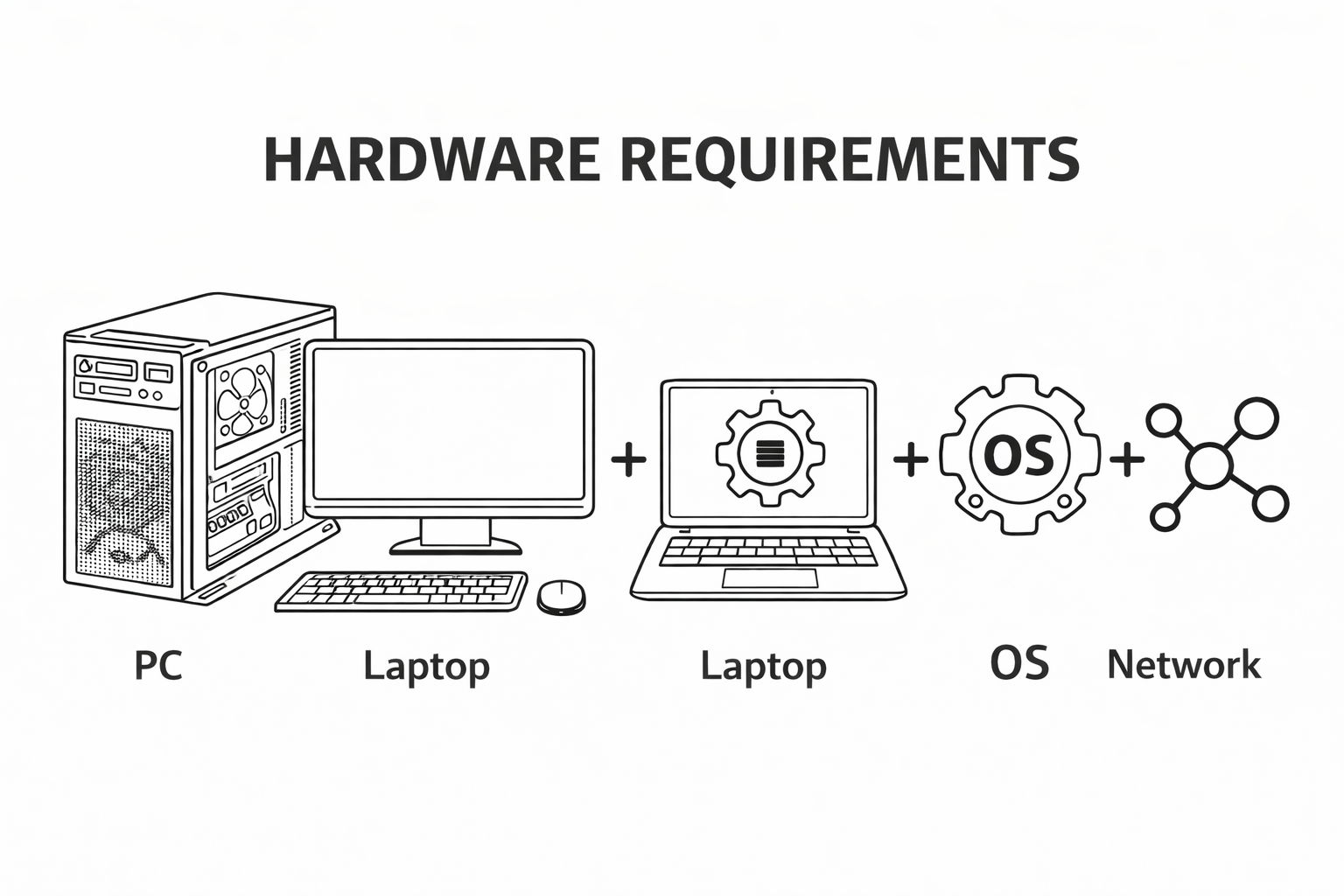
The following table lists minimum and ideal hardware configurations. The overall rule, however, is to install the most powerful equipment that you can afford.
| Feature | Minimum | Ideal |
| RAM | 8 GB | 32 GB or more |
| Monitors | One | Multiple monitors |
| Resolution | 1280 x 1024 | Higher resolution to show more data |
| Hard Disk | 3 GB, plus space for local databases | 10 GB, plus space for local database; SSD (Solid State Drive) for hosting SQL Server and other disk intensive processes |
| Internet Connectivity | Not required for most features. For concurrent licenses, a continuous connection is required. |
Required for Geospatial features such as Google Earth and Bing Maps. |
| Optional 3D glasses for stereoscopic visualization |  Anaglyph 3D Glasses Anaglyph 3D Glasses |
|